To post on LinkedIn every day without burning out, stop writing each post from scratch. Collect ideas once a week, write in batches, schedule everything, and review it before it goes live. This guide shows a simple weekly system that takes about 20 minutes a day and keeps your posts consistent and in your own voice.
In this guide: why daily posting burns people out, the 5-part weekly system, a sample week, what to automate and what to keep human, common mistakes, and an FAQ.
Why does posting on LinkedIn every day lead to burnout?
Most people start strong, then stall within two weeks. The reason is rarely lack of ideas. It is the daily decision loop: what do I write today, how do I start, is this good enough, when do I post. Each of those is a small tax, and you pay it every single day.
Consistency matters on LinkedIn because the audience builds familiarity with you over many posts, not one. The goal is therefore not to write brilliantly every day. It is to make posting cheap enough that you never skip.
The 5-part weekly system
1. Keep one running idea list
Create a note where you drop ideas the moment they appear: a question a customer asked, a mistake you made, a result you saw, something you disagree with. Aim for 10 ideas at the start of each week. A good idea list removes the “what do I write” tax completely.
2. Sort ideas into 4 repeatable formats
Using the same formats makes writing faster and your feed easier to recognize:
- Lesson: one thing you learned and how it changed what you do.
- How-to: three to five steps for a problem your audience has.
- Story: a short moment, what happened and what it taught you.
- Opinion: a clear point of view on something in your field.
3. Batch-write once, not daily
Pick one block of 60 to 90 minutes and write the whole week. Drafting several posts together is faster because you stay in the same mode. Do not polish at this stage. A rough draft you can edit beats a perfect idea in your head.
4. Edit with a short checklist
Before scheduling each post, check four things:
- Does the first line make someone want to read the second?
- Is there one clear point?
- Is there a specific detail, number or example?
- Does it sound like you?
5. Schedule, then spend 10 minutes a day on the conversation
Posting is half the work. The rest is replying to comments and commenting on other people’s posts. Schedule the posts for the week, then use your daily time for the conversations that follow them.
A sample week
| Day | Format | Example topic |
|---|---|---|
| Monday | Lesson | A mistake you made last month |
| Tuesday | How-to | Three steps to solve a common customer problem |
| Wednesday | Story | A client conversation that changed your approach |
| Thursday | Opinion | Something in your industry you disagree with |
| Friday | Lesson | The biggest thing you learned this week |
What can you automate, and what should stay human?
Automate the repetitive work: collecting topics, producing first drafts, and scheduling at the right times. Keep human the parts that make a post yours: your opinion, your real examples, and the final approval.
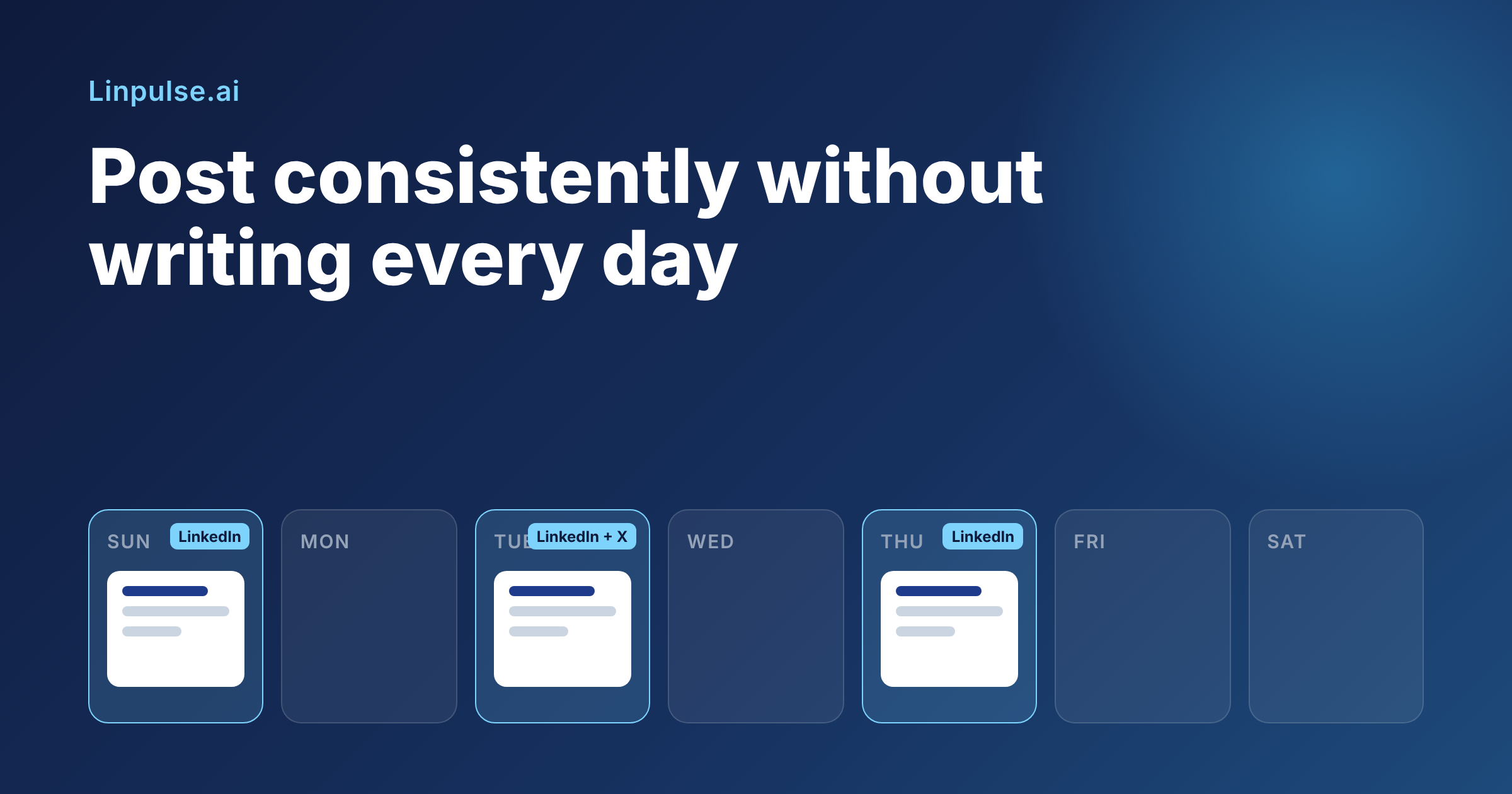
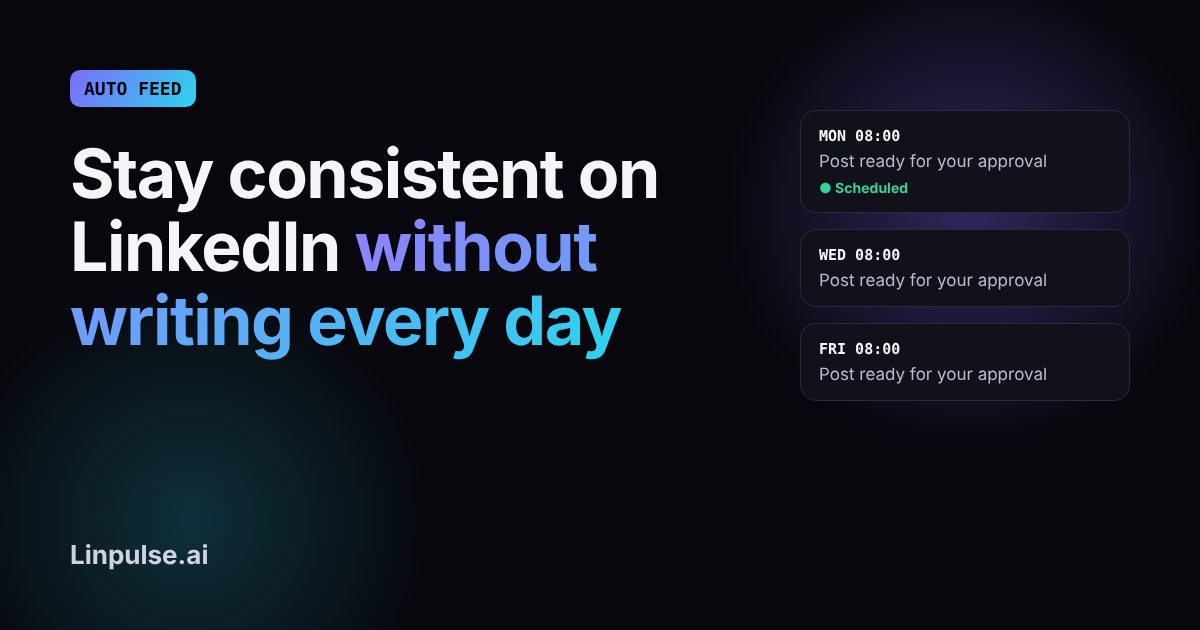
Linpulse Publish is built around that split. You write or generate posts, schedule them for LinkedIn, and with Auto Feed it drafts posts for you from your topics and sends them for your approval before anything goes live. Nothing is published without you seeing it first.
If you want to try it, you can start your free trial.
6 mistakes that make daily posting unsustainable
- Writing every post on the day you publish it.
- Waiting for a perfect idea instead of using a list.
- Switching topics every day, so no one knows what you stand for.
- Posting and disappearing, then ignoring comments.
- Copying generic AI text without adding your own example.
- Aiming for seven days a week when five is enough to build a habit.
Frequently asked questions
Do I really need to post every day on LinkedIn?
No. Consistency matters more than frequency. Three to five posts a week that you can keep up for months will usually do more than a daily streak you abandon after two weeks.
What is the best time to post on LinkedIn?
It depends on when your audience is online. Start by posting on weekday mornings in their time zone, then check your own post analytics after a few weeks and adjust.
Can I use AI to write LinkedIn posts?
Yes, but use it for drafts, not for the final voice. Add a real example, a number or an opinion of your own, and read every post before it goes out so it sounds like you.
How long should a LinkedIn post be?
Long enough to make one point clearly. Many effective posts are short, and a longer one is fine when each line earns its place. Start with a strong first line either way.
Start this week
Write down 10 ideas, pick four formats, and draft your first three posts in one sitting. When you want the scheduling and drafting handled for you, try Linpulse Publish free.