Almost everyone who starts posting on LinkedIn begins the same way. The first two weeks are full of energy, the next two are patchy, and by week six the profile goes quiet. The problem is rarely a lack of ideas. It is the daily cost of sitting down, finding a topic, writing a draft, finding an image and picking a time.
This guide explains why consistency breaks, what a sustainable weekly system looks like, and how Linpulse.ai Auto Feed turns that system into a few minutes of review each week.
Why consistency breaks
Posting regularly fails for three practical reasons:
- Every post starts from a blank page. Deciding what to write is often harder than writing it.
- The work arrives daily. A task that takes 30 minutes feels small once, but becomes a habit you must win again every morning.
- Quality swings with your energy. Busy weeks produce rushed posts or no posts, which makes the next week harder to restart.
A reliable LinkedIn presence is less about discipline and more about removing the daily decisions.
What a sustainable weekly system looks like
The people who post steadily usually share the same pattern: they decide once a week, not once a day.
- Plan the week in one sitting. Choose the posts, the order and the publishing times together.
- Review instead of writing from zero. Editing a good draft is faster and less tiring than creating one.
- Keep your voice in the loop. The final say, and the final wording, stay with you.
- Make replacing a post easy. If a draft does not fit your week, swap it without rebuilding the schedule.
How Linpulse.ai Auto Feed works
Auto Feed is a LinkedIn-only plan built around exactly this weekly rhythm.
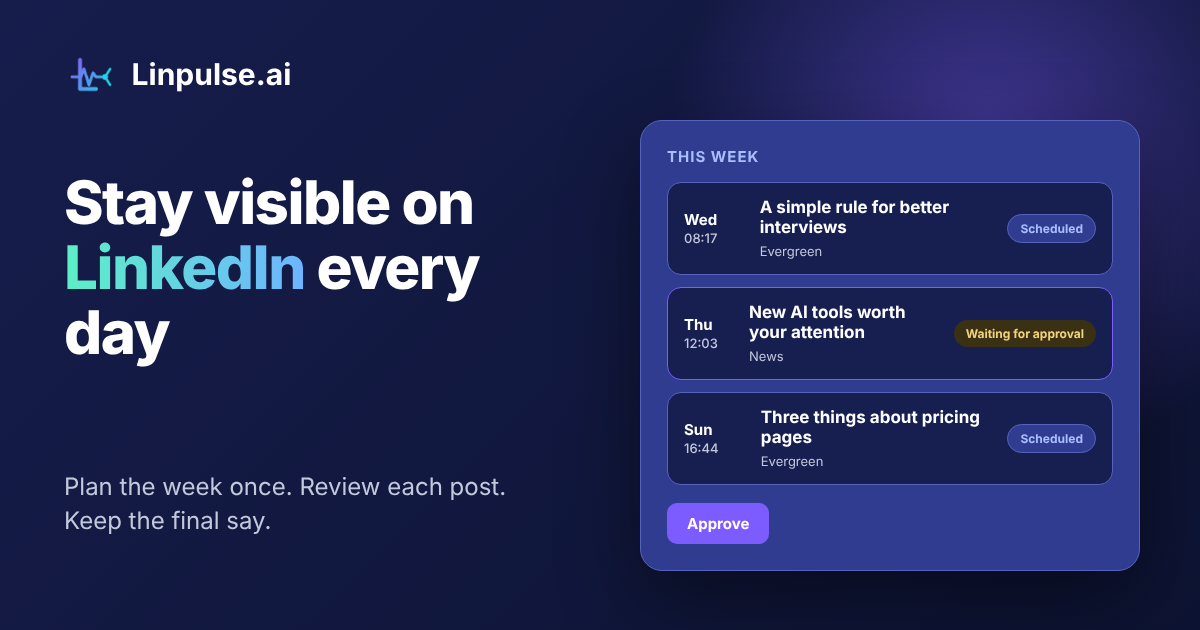
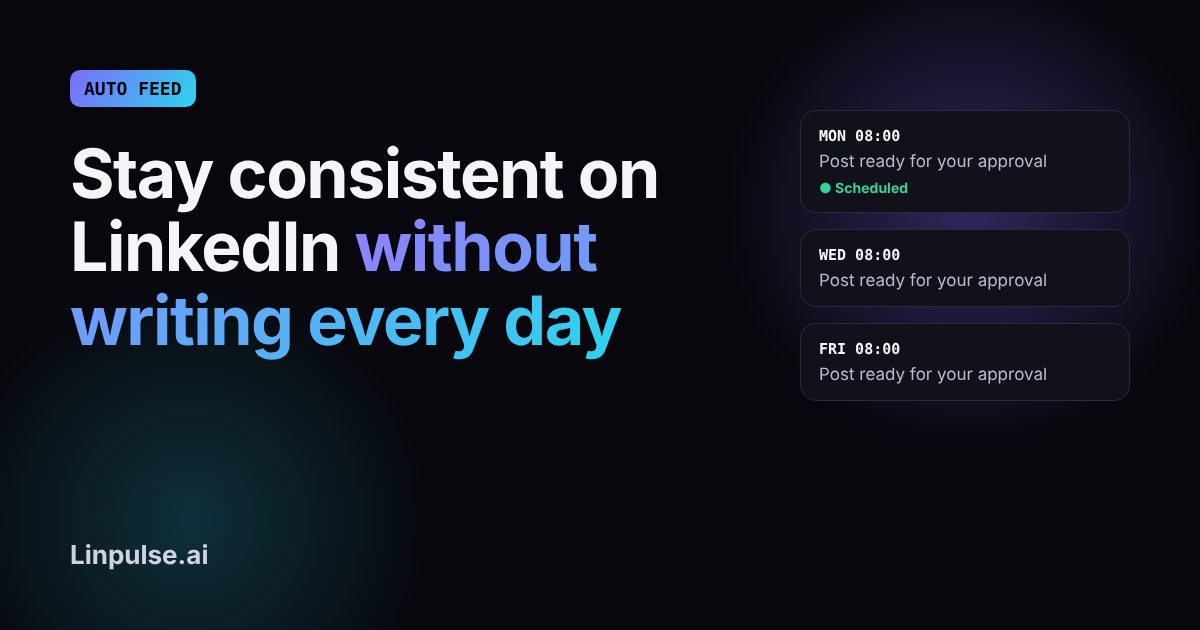
- A new week is planned for you. Auto Feed prepares posts for the coming week, each with a suggested publishing time.
- Every post comes with an AI-generated image. You do not need to search for a visual or open a design tool.
- You review each post. Read it, edit the text, change the time, or approve it as it is.
- Replace what does not fit. If a post is not right for you, replace it with a fresh one on a different subject.
- Approved posts are scheduled. They are published to LinkedIn at the time you chose.
Nothing goes live without your approval, so you keep full control of what appears under your name.
Variety, so your feed does not repeat itself
A weekly plan only helps if the posts feel different from each other. Auto Feed rotates across a broad set of topics and sub-themes, so your week does not read like the same idea told five times. If you want to steer the content toward your own field, you can also write your own topic.
Who Auto Feed is for
Auto Feed is a good fit if you:
- want a steady LinkedIn presence but cannot write every day,
- prefer reviewing and approving over writing from scratch,
- are a founder, freelancer, consultant or small team handling your own content.
It is not meant to replace your expertise. The best results come when you spend a few minutes each week making the posts sound like you, adding a real example, a number from your work, or an opinion only you can give.
Tips to get more from your weekly review
- Review in one batch. Set a fixed time each week, for example Sunday evening, and approve the whole week at once.
- Edit the first line. The opening line is what people see before they click "see more", so make it yours.
- Add one personal detail per post. A short story from a client call or a lesson from this week makes a draft feel human.
- Check the time. Move a post if it clashes with something happening in your week.
Pricing and the free trial
Auto Feed costs $19.90 per month and works with LinkedIn only. You can start with a 14-day free trial that needs no credit card: sign in with Google and your first week is planned for you. The trial includes one post per day and one replacement per week. The paid plan includes up to three posts per day and three replacements per week.
Frequently asked questions
Do I have to approve every post?
Yes. Posts are published only after you approve them.
Can I change the text and the time?
Yes. You can edit the post, change the time, replace the post or cancel it.
Does every post include an image?
Each post gets one AI-generated image, which is created shortly after the text is ready.
Is Auto Feed available for platforms other than LinkedIn?
Auto Feed is currently LinkedIn only.
Start your first planned week
Consistency becomes much easier when the weekly work shrinks to a short review. Try Auto Feed free for 14 days at Linpulse.ai/auto-feed and see your first week of LinkedIn posts planned for you.